 Errors
Dell Laptop & Desktop Troubleshooting: Screenshots, Black Screens & More
Dell laptops and desktops are reliable workhorses, but they can develop issues from black screens to boot failures. Our guides cover the most common Dell problems with clear steps that work across Inspiron, Latitude, XPS, and Vostro models.
Fix Dell Error Code 2000-0151: Hard Drive Failure Detected
Fix Dell error code 2000-0151 hard drive failure detected during diagnostics. Back up data, run extended tests, and r...
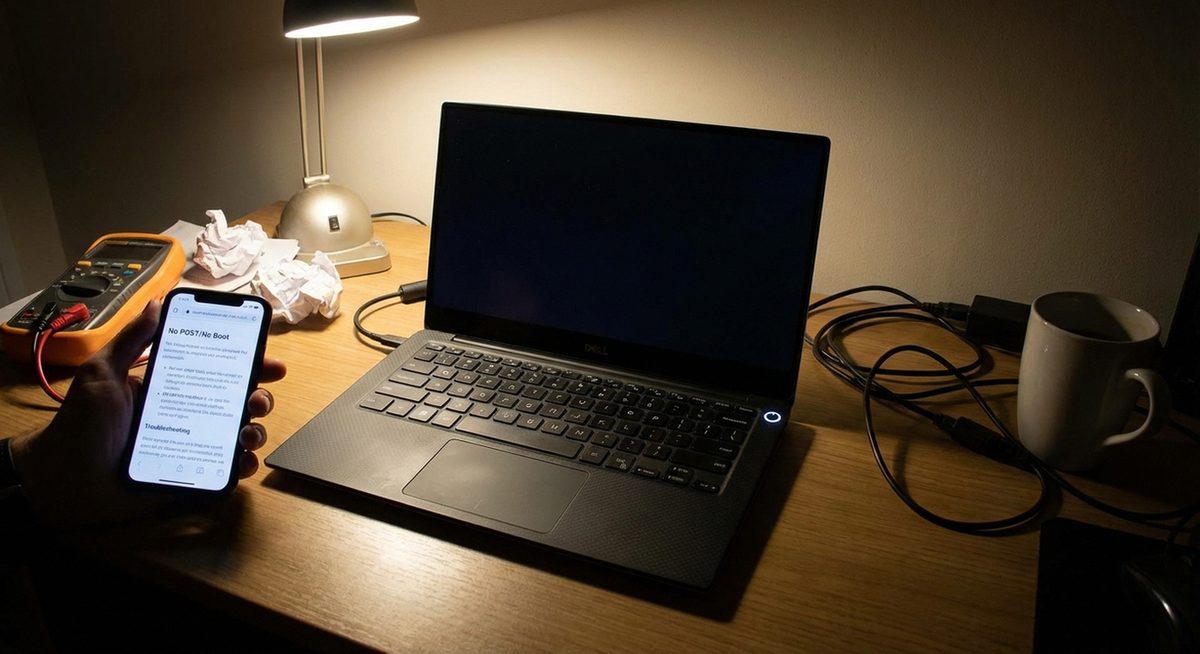
Dell Laptop Will Not Turn On: Troubleshoot Power, Display, and LED Blinking Issues
Fix a Dell laptop that won't turn on. Troubleshoot no power, black screen, blinking LEDs, and charging issues on Insp...
How to Connect Dell Laptop to Wi-Fi in Windows 10 and 11
Connect your Dell laptop to Wi-Fi on Windows 10 and 11. Fix WiFi not showing, enable wireless adapter, and troublesho...
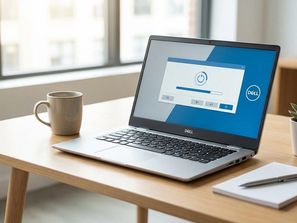
How to Factory Reset a Dell Laptop on Windows 10 and 11 With or Without Password
Factory reset your Dell laptop with or without a password. Use Dell SupportAssist Recovery, Windows Reset, and boot m...
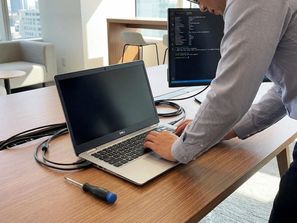
How to Fix a Dell Laptop Black Screen: Diagnosis and Solutions for All Models
Fix your Dell laptop black screen on startup. Troubleshoot display, battery, RAM, BIOS, and driver issues with step-b...
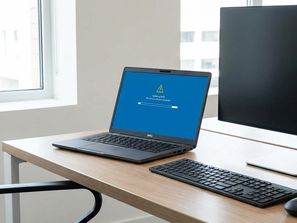
How to Update BIOS on Dell Latitude Laptops Safely
Update BIOS on Dell Latitude laptops safely. Download from Dell Support, install from Windows or USB, and recover fro...
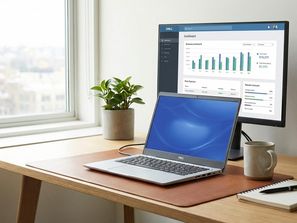
Take Screenshots on Dell Laptops and Desktops: Every Method Explained
Learn every way to take a screenshot on Dell computers. Use Print Screen, Snipping Tool, Snip and Sketch, Game Bar, a...
Fix Dell Laptop Black Screen: All Causes and Solutions
Resolve black screen on Dell laptops from power issues to display driver failures.
Factory Reset Dell Laptop With or Without Password
Use SupportAssist Recovery and Windows Reset options for all models.