 Errors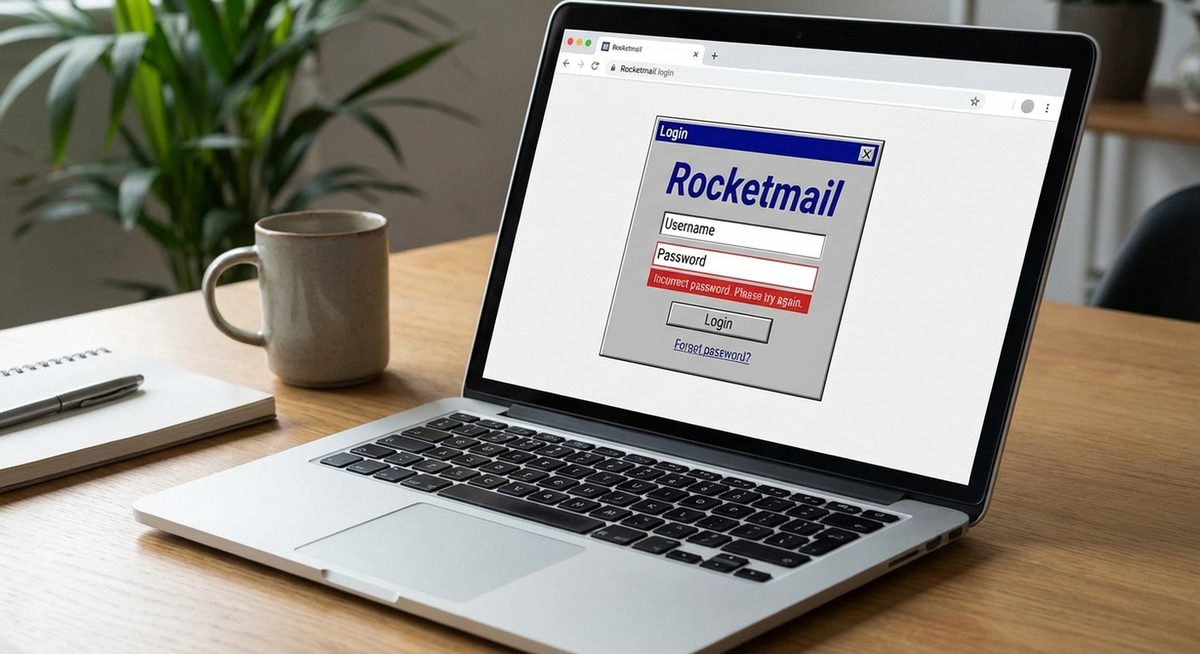
If you are trying to log into your Rocketmail account and getting errors, you need to know that Rocketmail is now managed entirely by Yahoo Mail. Rocketmail.com was acquired by Yahoo years ago, and all rocketmail.com email addresses are accessed through mail.yahoo.com — there is no separate Rocketmail login page.
Common issues include using the wrong login URL, forgotten passwords, locked accounts due to inactivity, and two-factor authentication problems. This guide resolves every Rocketmail login scenario.
Go to mail.yahoo.com and sign in with your full rocketmail.com email address (e.g., [email protected]) and your Yahoo/Rocketmail password.
Method 1: Log Into Rocketmail via Yahoo Mail
All Rocketmail accounts are accessed through the Yahoo Mail interface.
Go to Yahoo Mail
Open your browser and navigate to mail.yahoo.com.
Enter Your Rocketmail Email Address
In the sign-in field, type your full rocketmail.com address (e.g., [email protected]). Click Next.
Enter Your Password
Type your password and click Sign In. You will be taken to the Yahoo Mail inbox where your Rocketmail emails are displayed.
Tip: If you bookmarked an old rocketmail.com login page, update it to mail.yahoo.com. The old Rocketmail URL either redirects to Yahoo or no longer functions.
Method 2: Reset Your Rocketmail Password
If your password is not working, reset it through Yahoo's password recovery system.
Go to Yahoo Sign-In Helper
Navigate to login.yahoo.com and click Forgot Password or Trouble Signing In.
Enter Your Rocketmail Address
Type your complete rocketmail.com email address and click Continue.
Verify Your Identity
Yahoo sends a verification code to your recovery phone number or alternate email. Enter the code to verify your identity.
Create a New Password
Set a new password and sign in with it at mail.yahoo.com using your rocketmail.com address.
Method 3: Recover a Locked or Inactive Account
Yahoo may lock or deactivate Rocketmail accounts that have not been accessed for an extended period (usually 12+ months of inactivity).
Attempt to Sign In
Go to mail.yahoo.com and try signing in. If the account is temporarily locked, Yahoo will prompt you to verify your identity.
Use the Yahoo Account Recovery Form
If standard recovery does not work, go to the Yahoo Help page and submit an account recovery request with your rocketmail.com address and any identifying information (creation date, previous passwords, contacts).
Contact Yahoo Support
For permanently deactivated accounts, contact Yahoo Support directly. They may be able to reactivate the account if you can verify ownership.
Warning: Yahoo may permanently delete accounts that have been inactive for more than 12 months. If your account was deleted, the email address may no longer be recoverable and any stored emails are lost.
Method 4: Configure Rocketmail on Phone or Email Client
To use your Rocketmail account in an email app, use Yahoo's server settings.
Use Yahoo Server Settings
IMAP: imap.mail.yahoo.com, Port 993, SSL. SMTP: smtp.mail.yahoo.com, Port 465, SSL.
Generate an App Password
If you have two-factor authentication enabled, generate an app-specific password at login.yahoo.com > Account Security > Generate App Password.
Add the Account
In your email client, add a new account with your rocketmail.com address as username and the Yahoo server settings above.
Why Do Rocketmail Login Errors Occur?
Rocketmail login errors primarily occur because users do not realize that Rocketmail is now part of Yahoo Mail. Attempting to visit rocketmail.com directly leads to outdated or non-functional pages. Passwords may have been changed by Yahoo's security system if suspicious activity was detected. Accounts inactive for over a year may be locked or deleted per Yahoo's terms of service. Two-factor authentication, if enabled on the Yahoo account, requires additional verification that confuses users who only remember their email and password. Using the correct Yahoo login URL and current password resolves the vast majority of Rocketmail access issues.
Frequently Asked Questions
Yes, rocketmail.com email addresses still work and receive emails. They are managed through Yahoo Mail. Sign in at mail.yahoo.com with your rocketmail.com address.
Yahoo acquired Rocketmail and integrated all accounts into the Yahoo Mail platform. All Rocketmail accounts are now Yahoo accounts accessed through Yahoo's login.
No, Yahoo no longer allows creation of new rocketmail.com addresses. You can create a yahoo.com address that functions identically.
Use Yahoo's servers: IMAP: imap.mail.yahoo.com (Port 993, SSL). SMTP: smtp.mail.yahoo.com (Port 465, SSL). Username is your full rocketmail.com address.
Yahoo locks accounts after multiple failed login attempts, detection of suspicious activity, or extended inactivity. Use Yahoo's account recovery tool at login.yahoo.com to unlock it.
You cannot change the address, but you can create a new Yahoo address and set up forwarding from your Rocketmail account to the new address.
Rocketmail has the same security features as any Yahoo Mail account, including two-factor authentication, SSL encryption, and spam filtering.
Check your spam/junk folder in Yahoo Mail. Emails sent to your rocketmail.com address appear in the Yahoo Mail inbox. If the issue persists, check your email filters for rules that may be redirecting or deleting messages.
Yes, configure Outlook with Yahoo's IMAP/SMTP settings using your rocketmail.com address as the account email. You may need an app-specific password if two-factor authentication is enabled.
Sign in at mail.yahoo.com, go to Account Info > Account Security > Close Account. This permanently deletes the Yahoo/Rocketmail account and all associated data.