 Errors
iPhone & Apple Device Troubleshooting: Settings, Privacy & Common Fixes
iPhones are intuitive, but certain settings and features can be hard to find. Our guides cover everything from privacy controls and AirPod customization to understanding iOS status icons and fixing common Apple device errors.
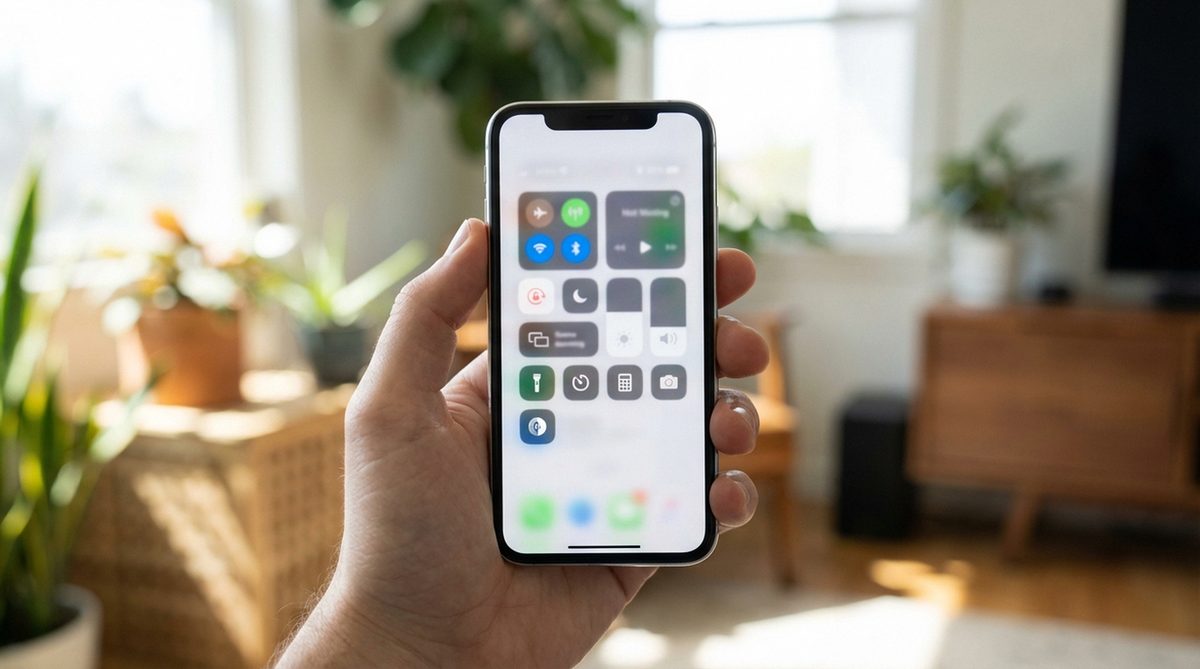
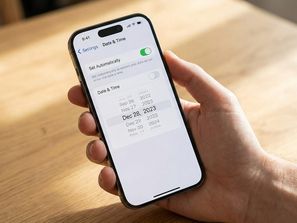
How to Change Date and Time on iPhone and Fix Wrong Time
Change the date and time on iPhone manually or set automatic time. Fix wrong time, change time zones, and troubleshoo...
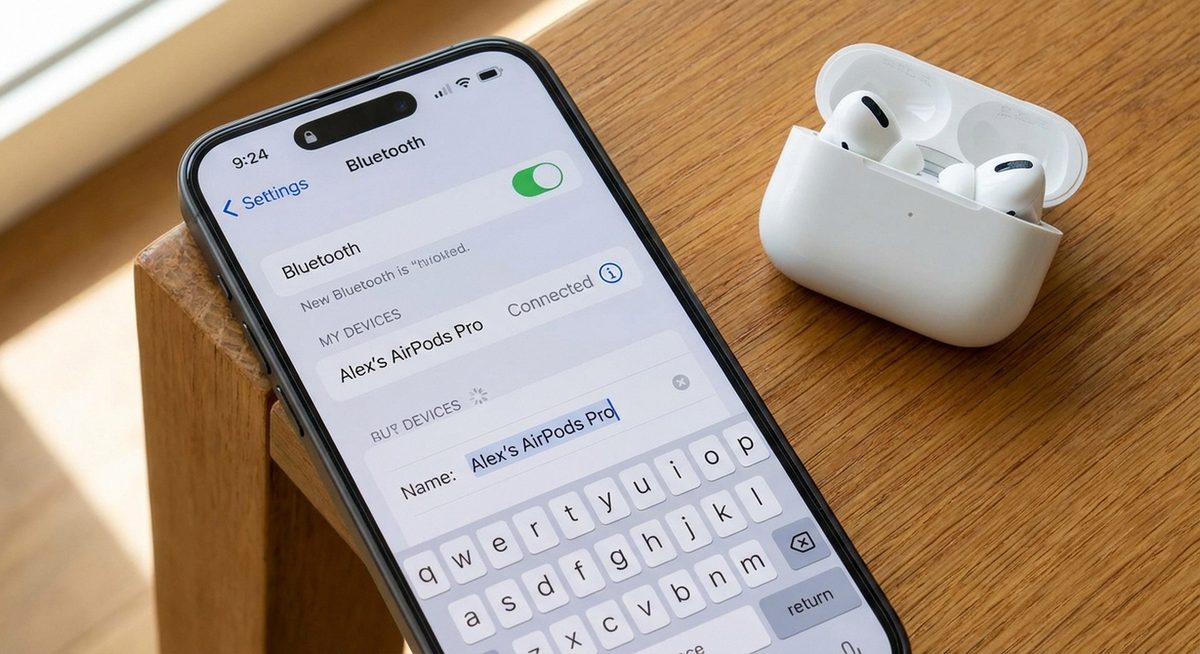
Change Your AirPods Name: Rename AirPods on iPhone, iPad, Mac, and Android Devices
Rename your AirPods, AirPods Pro, or AirPods Max on iPhone, iPad, Mac, and Android. Change the Bluetooth name that ap...
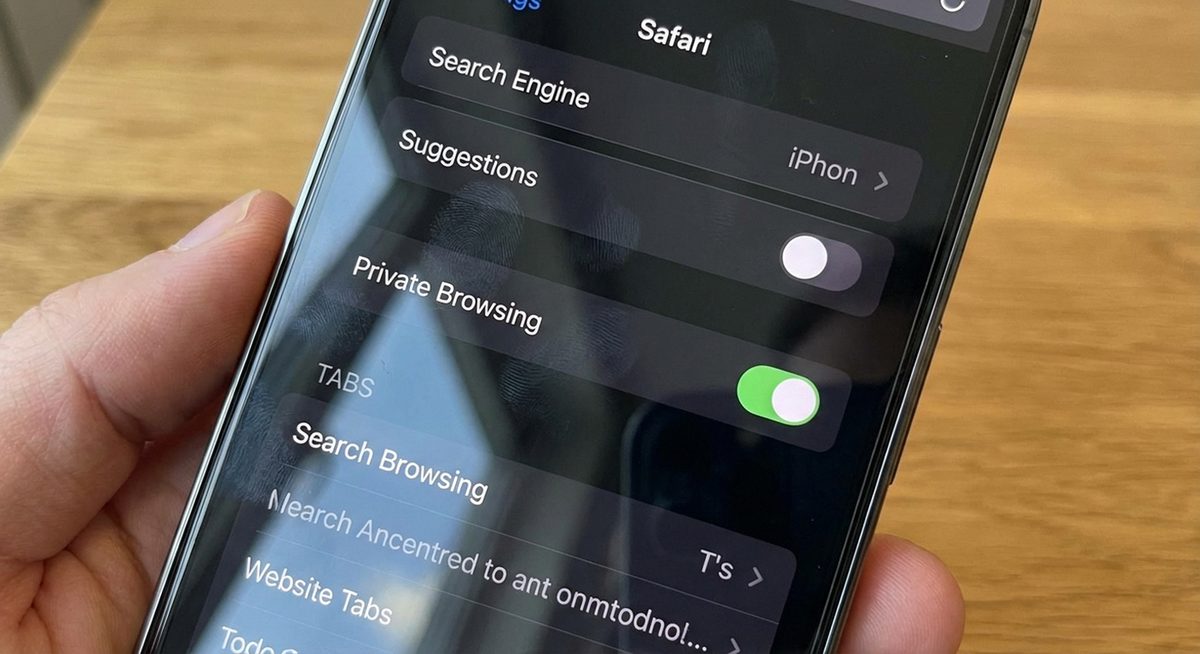
Disable Incognito Mode on iPhone: Block Private Browsing in Safari and Chrome
Learn how to disable incognito or private browsing mode on iPhone. Block private tabs in Safari and Chrome using Scre...
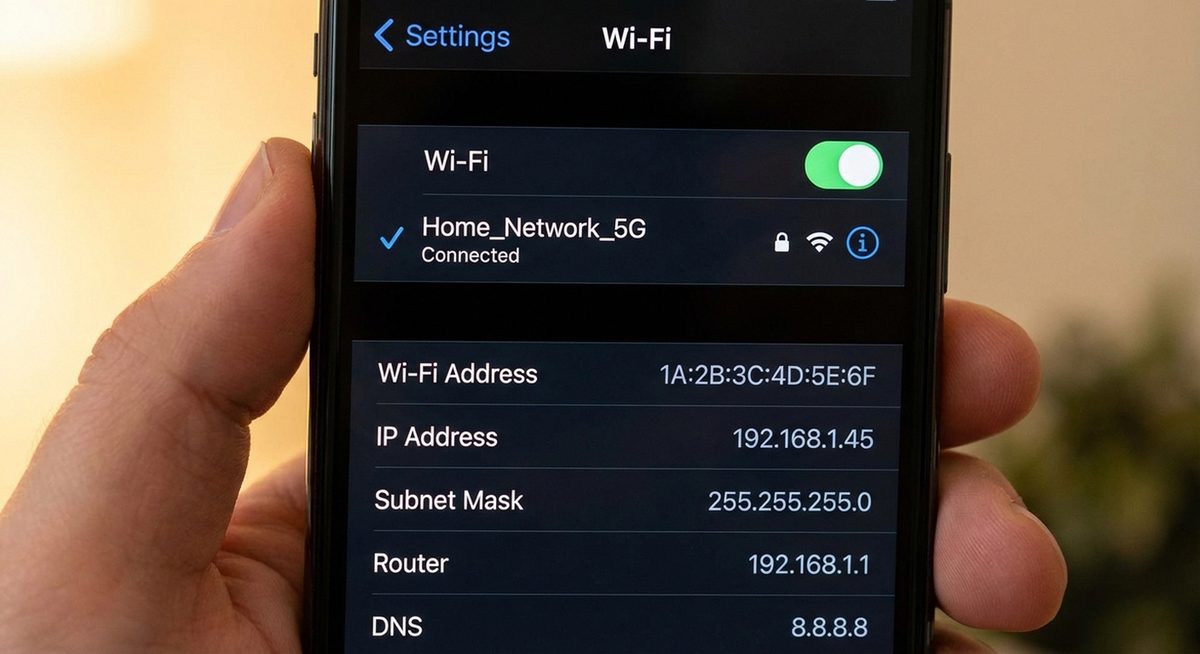
Find Your IP Address on iPhone: Locate Private and Public IP on Any iOS Version
Find your IP address on iPhone in Settings or Safari. Locate both private (local) and public IP addresses on iOS 15, ...
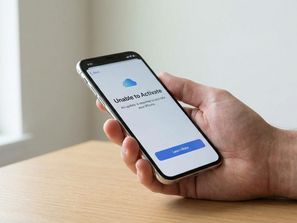
iPhone Could Not Be Activated: Fix Activation Errors on All Models
Fix iPhone activation errors after iOS updates, factory resets, or SIM changes. Resolve server issues, SIM problems, ...
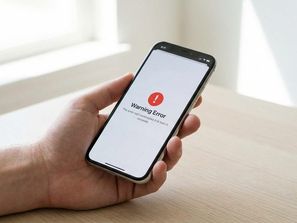
Fix iPhone Restore Error Code 3194 in iTunes
Fix iPhone restore error 3194 in iTunes when updating or restoring your device. Resolve server connection failures an...
iPhone Lock With Circle Icon: What It Means and How to Fix It
Understand the lock with circle icon on iPhone. Learn what the orientation lock indicator means and how to turn it on...
Fix iPhone Activation Error After Update or Restore
Resolve SIM, server, and carrier activation issues on all models.