 Errors
Mac Troubleshooting: Fix Startup Issues, Slow Performance & Storage Errors
Macs are stable but not immune to problems. Whether your Mac won't turn on, runs slowly, or shows a full startup disk warning, our guides offer tested solutions for macOS Ventura, Sonoma, and older versions.


Change Your Apple ID Email Address on iPhone, iPad, Mac, and Web
Change your Apple ID email address without losing purchases, iCloud data, or subscriptions. Step-by-step guide for al...

How to Connect AirPods to MacBook: Pairing and Troubleshooting
Connect AirPods, AirPods Pro, and AirPods Max to your MacBook. Pair via Bluetooth settings, fix connection issues, an...

How to Connect Apple TV to Your Computer or Mac
Connect Apple TV to a Mac or Windows computer for AirPlay mirroring, screen sharing, and media streaming. Wired and w...
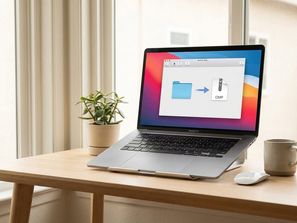
How to Open RAR Files on Mac and Windows
Open and extract RAR files on Mac and Windows without WinRAR. Free tools like The Unarchiver, Keka, and 7-Zip for dec...
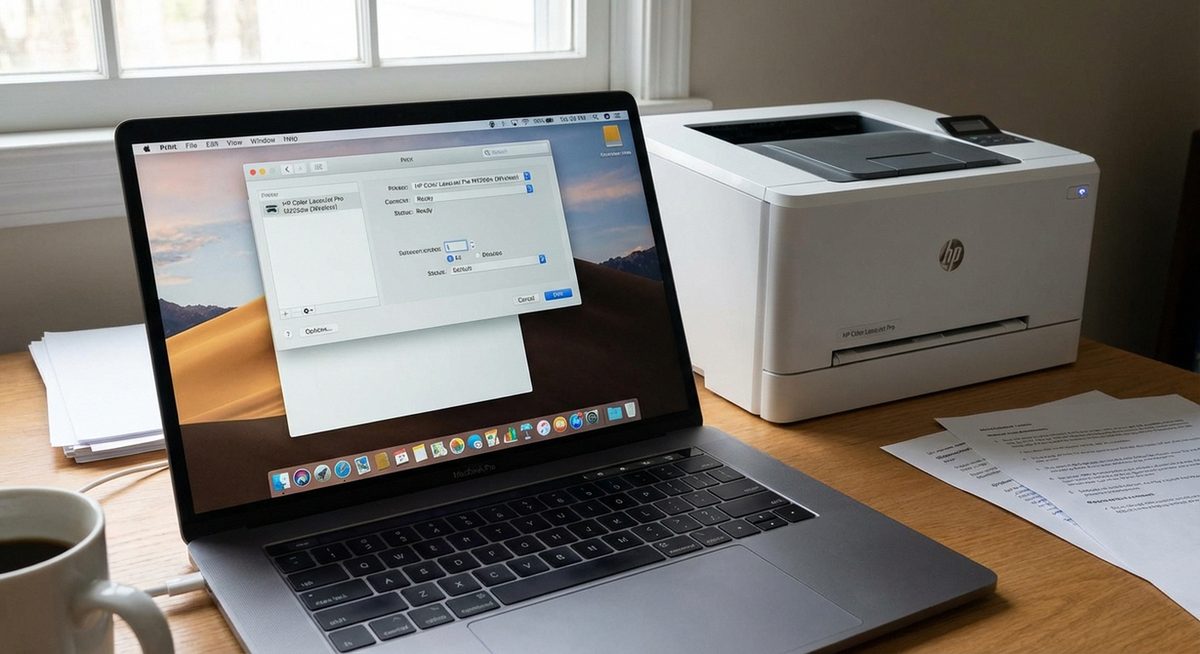
Print From MacBook Pro and Air: Set Up Wired, Wireless, and AirPrint Connections
Learn how to print from MacBook Pro and Air using USB, Wi-Fi, and AirPrint. Step-by-step setup for wired and wireless...
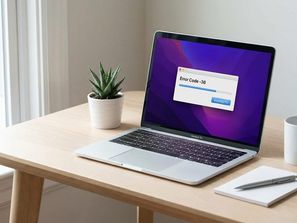
Fix Mac Error Code -36 While Transferring or Copying Files
Fix Mac error code -36 when copying or transferring files to external drives, USB sticks, or SD cards. Resolve dot_cl...
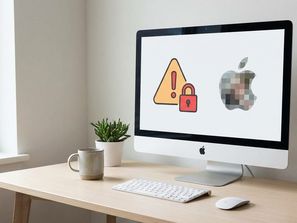
Remove Fake Pornographic Virus Alert From Apple on Mac and iPhone
Remove the fake Pornographic Virus Alert from Apple popup on Safari and Chrome. Close the browser scam, clear cache, ...
Change Your Apple ID Email Address on Any Device
Update Apple ID without losing purchases, iCloud, or subscriptions.