 Errors
ASUS Laptop Troubleshooting: BIOS Setup, Boot Keys & Common Fixes
ASUS laptops require specific key combinations to access BIOS and boot menus. Our guides cover BIOS setup, USB booting, and common troubleshooting for ROG, ZenBook, VivoBook, and TUF Gaming models.
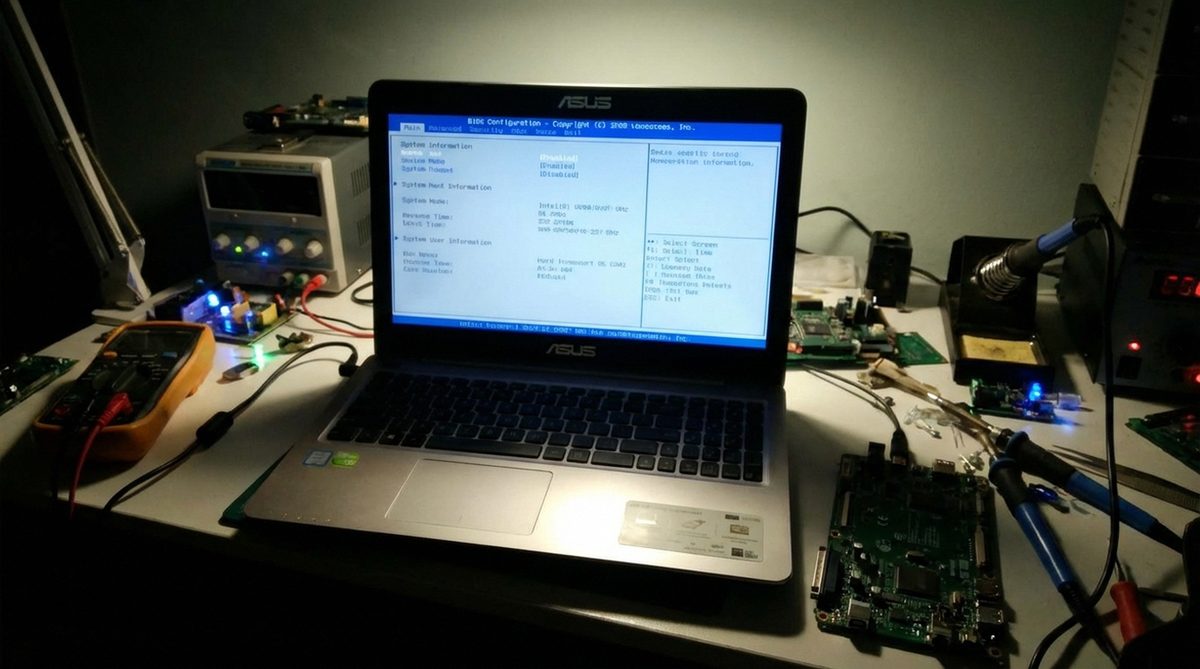
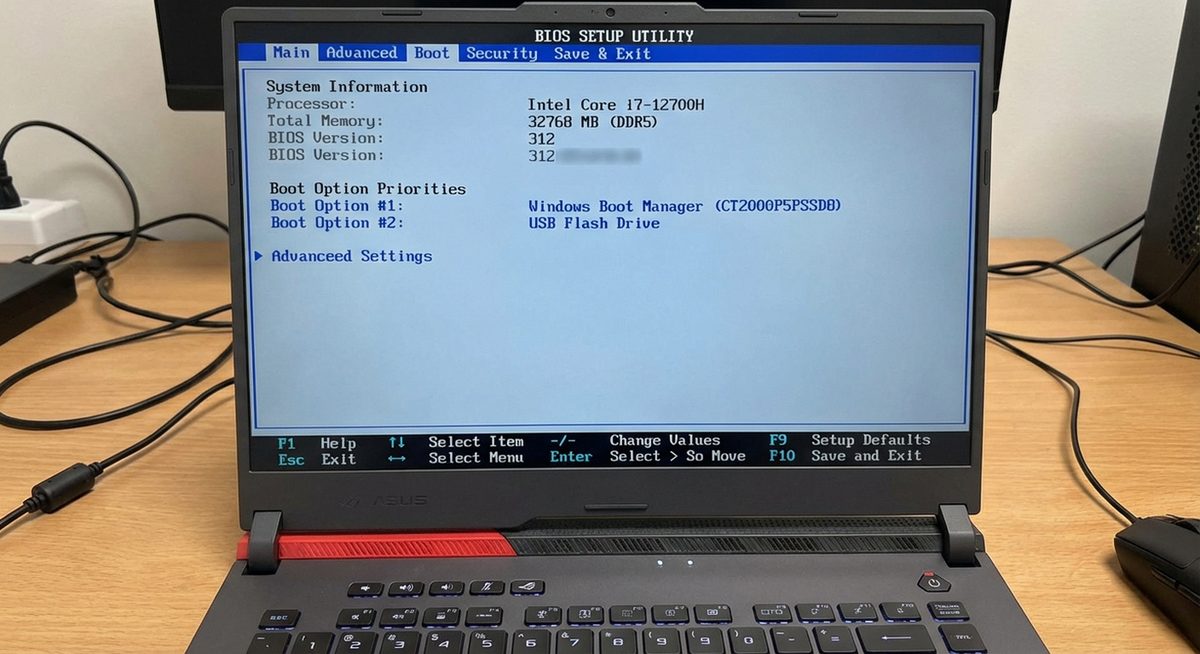
ASUS Laptop BIOS Keys: How to Enter BIOS Setup on ROG, TUF, VivoBook, and ZenBook
Find the ASUS BIOS key for your laptop model. Enter BIOS setup with F2 or Del on ASUS ROG, TUF, VivoBook, ZenBook, an...
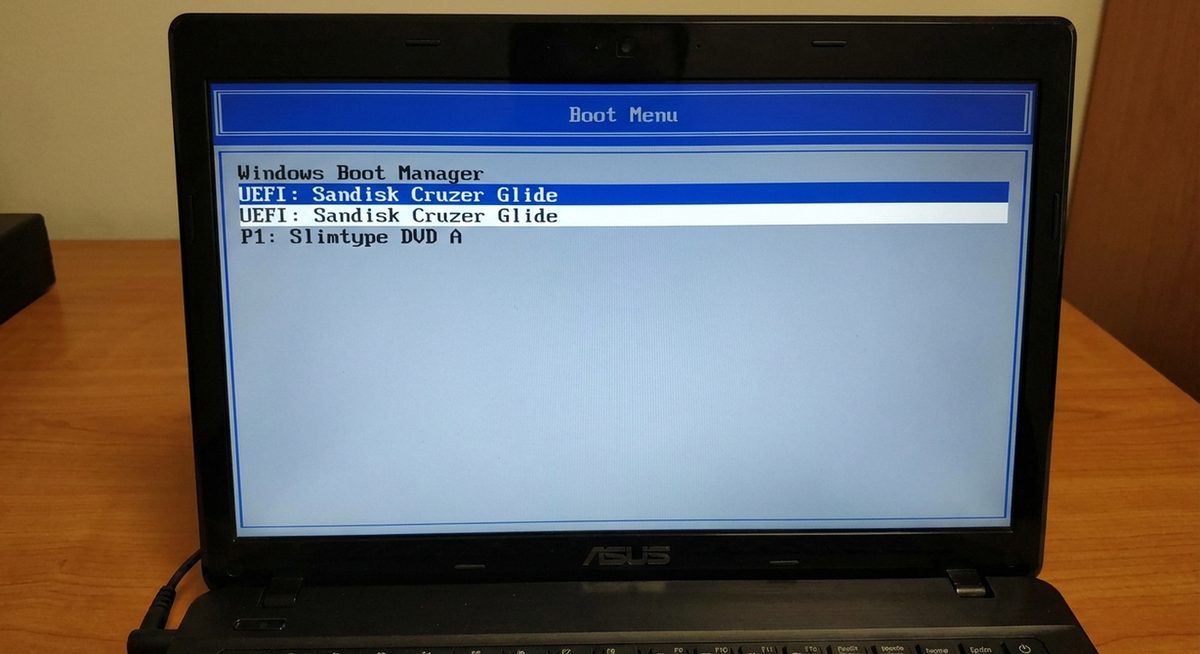
Boot ASUS Laptop from USB: Access Boot Menu and Install Windows from USB Drive
Boot your ASUS laptop from a USB drive to install Windows or run diagnostics. Access the boot menu with Esc or F8, co...

Fix ASUS Laptop Black Screen Problem on Startup
Fix ASUS laptop black screen on startup or after login. Reset display, update drivers, check hardware connections, an...
How to Update ASUS Motherboard BIOS in Windows
Update your ASUS motherboard BIOS using EZ Flash, AI Suite, or USB flashback. Step-by-step guide with safety precauti...
Boot ASUS Laptop From USB Drive Step by Step
Configure your ASUS laptop to boot from USB for Windows installation or recovery.